OmniBiz POS Ecommerce Mobile - Flutter App — Preview
OmniBiz POS Ecommerce Mobile - Flutter App
Lifetime Updates
24/7 Support
Secure
Clean Code
Digital Product
OmniBiz POS Ecommerce Mobile - Flutter App icon

OmniBiz POS Ecommerce Mobile - Flutter App

by StackFul

5.0 / Excellent

Overview

A modern business management and POS mobile app for managing sales, inventory, customers, and reports on the go.

Key Features

Secure payment Instant download Quality guaranteed

Full Product Description

Detailed overview of features and capabilities

Overview

OmniBiz-POS Companion App

The Ultimate Mobile Experience for Your Restaurant & POS Business

⚠️ MANDATORY REQUIREMENT

This mobile application is a companion to the OmniBiz-POS Main Script. It WILL NOT function as a standalone app.

Take your OmniBiz-POS ecosystem to the next level with this high-performance Flutter mobile application. Designed for speed, reliability, and beauty, it provides your customers with a premium ordering and management experience right from their pockets.

💎 Premium Features

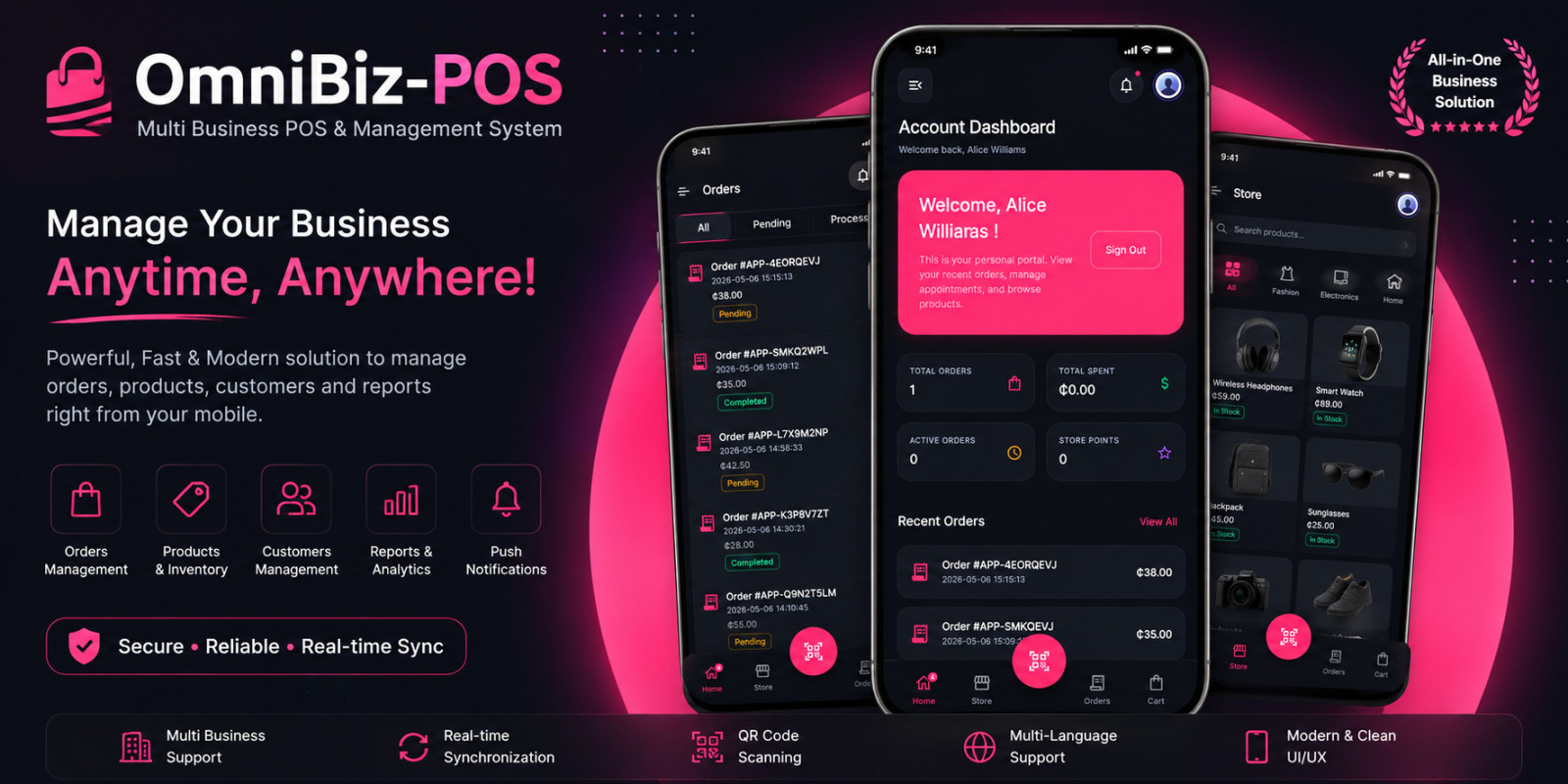
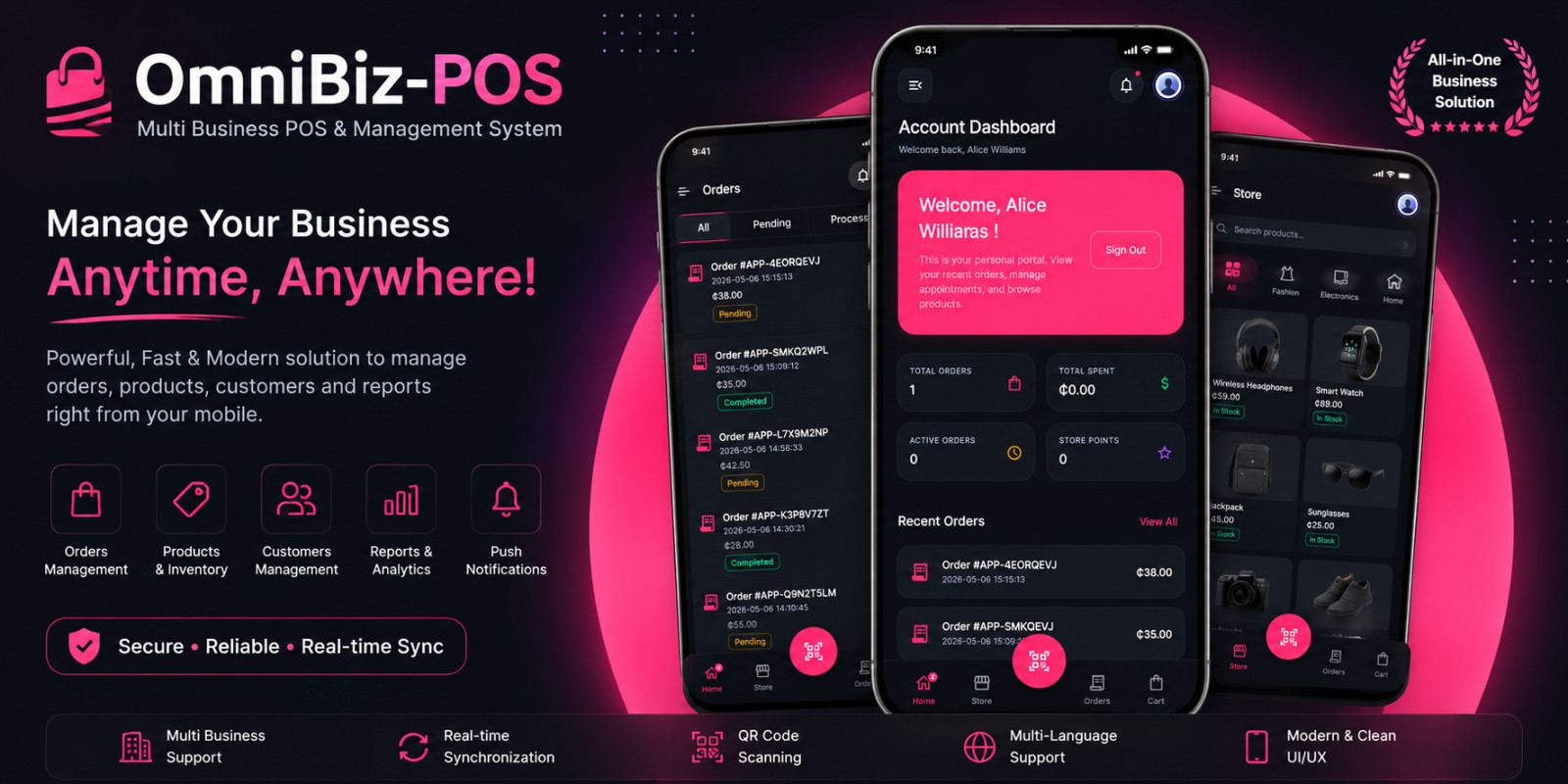
🚀 Lightning Fast SyncInstant data synchronization with your web backend.
📱 iOS & AndroidOne codebase for both major platforms using Flutter.
🔔 Smart NotificationsPush notifications via Firebase to keep users engaged.
🔍 QR Core EngineScan to scan store menus or track orders instantly.
🌍 Global ReadySupports English, Spanish, French, Portuguese, and Chinese.

🛠️ Technical Excellence

  • Built with Flutter 3.x for native-level performance.
  • Secure API integration using Laravel Sanctum.
  • Clean, documented code for easy customization.
  • Responsive UI that looks great on all screen sizes.

Note: Please keep in mind that it is strictly forbidden to share any contact information. This product does not include freelance services or external promotions.

Features

- Full Mobile Integration: Designed specifically for the OmniBiz-POS ecosystem.
- Real-time Order Tracking: Customers can monitor their order status live.
- Multi-Language Support: English, Spanish, French, Portuguese, and Chinese.
- QR Code Product/Store Scanning: Effortless browsing for customers.
- Firebase Push Notifications: Stay updated with instant order alerts.
- Profile & Order Management: Dedicated customer dashboard within the app.
- Secure API Connectivity: Uses Laravel Sanctum for authenticated requests.
- Modern Flutter Architecture: High performance on both Android and iOS.

Requirements

- OmniBiz-POS Main Script (Installed on your server)
- Flutter SDK (latest stable version)
- Dart SDK
- Firebase Account (for Push Notifications)
- Android Studio / Xcode (for building APK/IPA)
- CocoaPods (for iOS builds)

Instructions

🚀 Quick Start Guide

  1. Step 1: Get the Core Engine
    Purchase and install the main script: OmniBiz-POS – Multi Business POS & Management System.
  2. Step 2: Prepare Source Code
    Extract the mobile app source code (Flutter project) to your local machine.
  3. Step 3: Environment Setup
    Open the project in your preferred IDE (VS Code or Android Studio).
  4. Step 4: API Configuration
    Navigate to lib/core/constants.dart and update the baseUrl with your website's API endpoint.
  5. Step 5: Firebase Integration
    Connect your Firebase project and drop the google-services.json (Android) and GoogleService-Info.plist (iOS) into their respective folders.
  6. Step 6: Dependencies
    Run flutter pub get in your terminal to fetch all required packages.
  7. Step 7: Launch!
    Build your application and deploy it directly to the Google Play Store or Apple App Store.