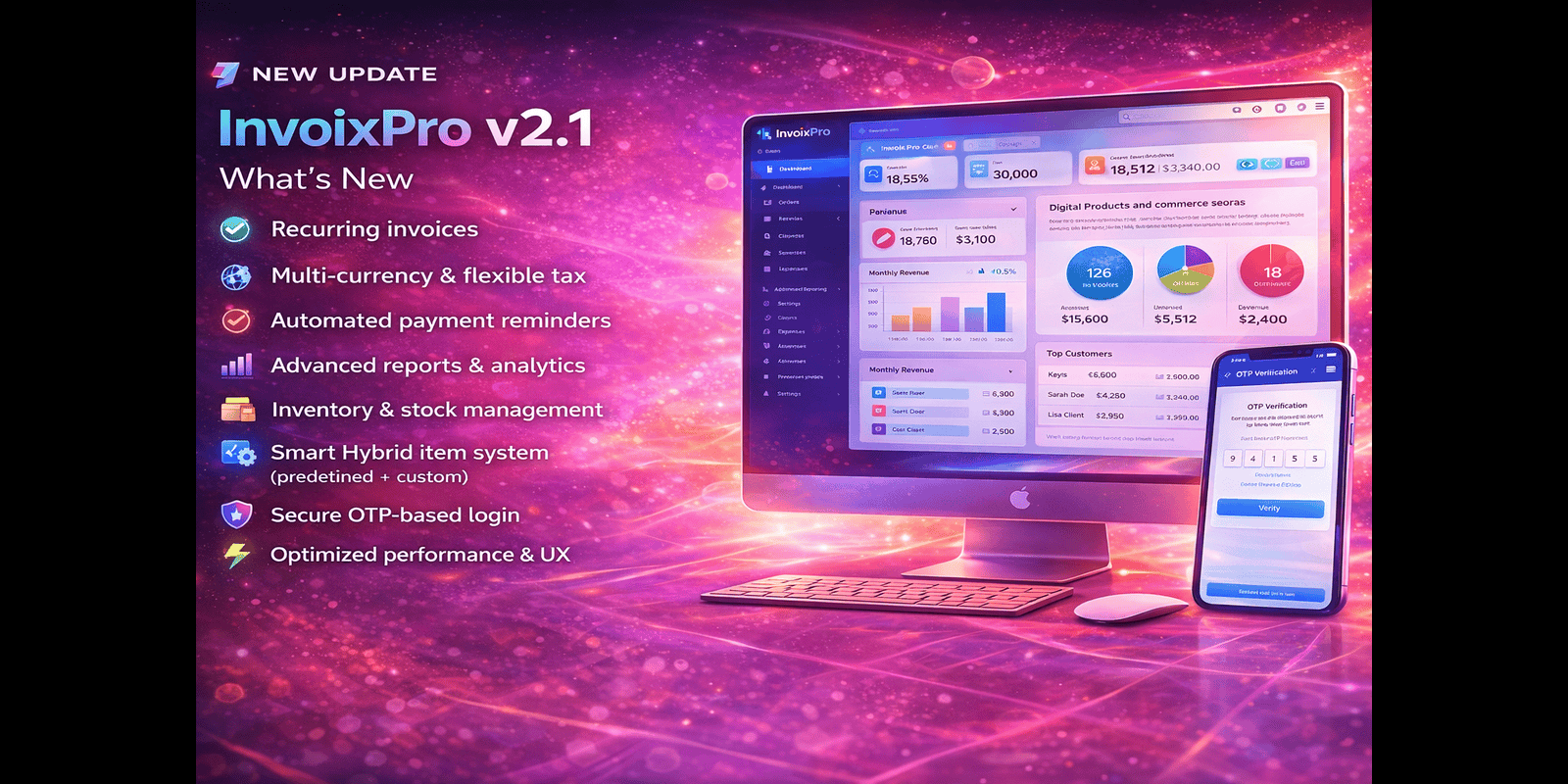
InvoixPro - Invoice And Payment System

InvoixPro - Invoice And Payment System

Digital Product

Short Overview

Modern self-hosted invoicing, subscription and payment management system built with Laravel for businesses and agencies

Full Product Description

Overview

InvoixPro is a modern, self-hosted invoice, subscription, and payment management system built with Laravel. It is designed for freelancers, agencies, startups, and businesses that need full control over their billing and client management without SaaS limitations.

The system provides professional invoicing, public payment links, multiple payment gateway support, subscription plans, and a clean admin and user dashboard.

InvoixPro is easy to install, fully responsive, and suitable for real-world business use.


For Demo Access
Login-> https://invoixpro1.stackful.de...
Admin:
email: invoixpro@admin.com
password: 123456

Customer:
email: sagor.picotech@gmail.com
password: 123456


A new update has been submitted InvoixPro-v1.1

This version includes:
- Improved home page design
- Fixed notification counter issues
- Minor UI, performance, and stability improvements


This update (v-1.2)  focuses on system stability and performance improvements.

Changes include:
- Enhanced security measures
- Optimized database queries
- Minor issue fixes
- General performance improvements

The system is now more stable and efficient.


Features

  • Professional invoice creation with itemized billing
  • Dynamic PDF invoice generation
  • Public invoice payment pages (no client login required)
  • Multiple payment gateway support
  • User-configurable payment gateways
  • Subscription and plan management
  • Admin and user role-based dashboards
  • Client management (CRM)
  • Real-time system notifications
  • Responsive modern UI built with Tailwind CSS
  • Web-based installer wizard
  • Secure and clean Laravel codebase

Requirements

  • PHP 8.1 or higher
  • MySQL 5.7 or higher
  • Apache or Nginx web server
  • Composer enabled
  • mod_rewrite enabled

Instructions

  1. Upload the project files to your server
  2. Set the document root to the /public directory
  3. Create a MySQL database
  4. Copy .env.example to .env
  5. Update database credentials in the .env file
  6. Run composer install
  7. Visit /install and complete the installation wizard